
Record each one and post it in the AI PRODUCT CHALLENGE Facebook group before Day 1 goes live: today, Wed 28 Oct, 12:00 PT. Day 1 FIND IT · Day 2 BUILD IT · Day 3 LAUNCH IT. Zoom link: Guide 1 in the group (“LOGISTICS - Welcome! Start here!”). Each deck has 7–9 slides and 90–120 seconds of talking. Each card below has the script and a ready caption that ends with a question.
Present opens one web page per slide: → / ← or tap / swipe to move, F or the Full screen button. The deck's own pen is off by default, so Pencilmark draws freely and its marks stay on their slide. Press P or ✎ only if you want the built-in pen. PDF is the full deck. The scripts contain no TBC placeholders; the remaining TBCs (listed at the bottom) are only on slides and captions.
60 seconds. One sentence. That's where your AI product starts. ⚡

Before today's first live session of the challenge (12:00 PT), finish this line in the comments:
“People come to me for…”

Bonus points: add the question you get asked 100 times. 🙌 We'll read some of them out live today.

So… what do people come to YOU for? 👇
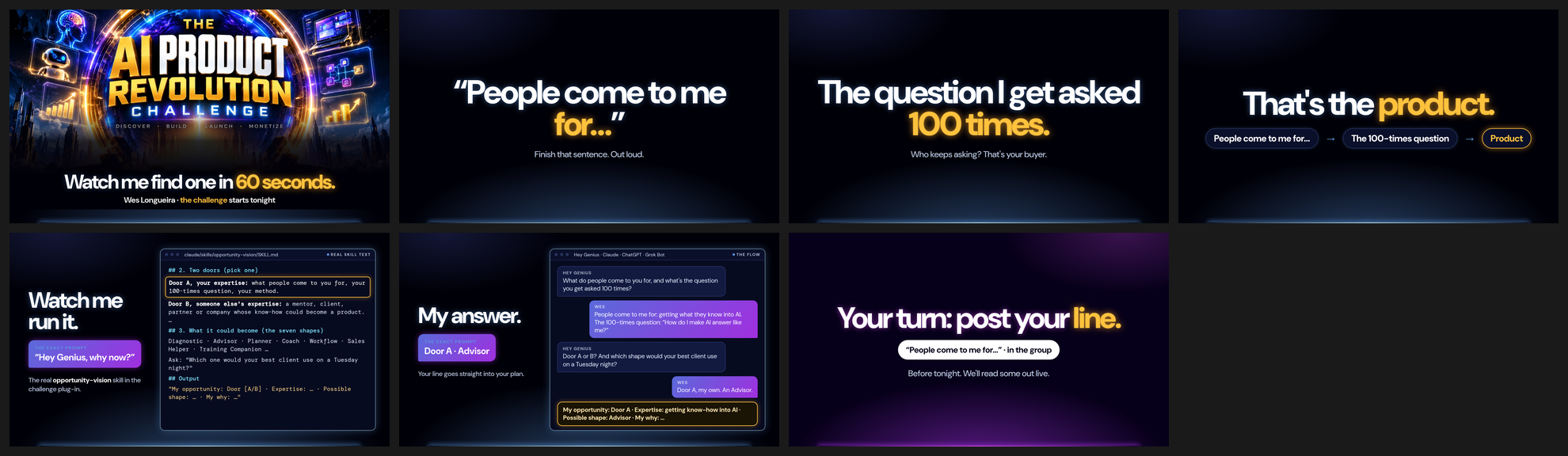
 | 1 · Watch me find one in 60 seconds. Hey, it's Wes! The challenge kicks off today, and before it does I want to show you something. Give me 60 seconds and I'll find a product idea, right here in front of you. Watch. |
 | 2 · “People come to me for… ” It starts with one sentence: “People come to me for…”. Not your job title. Not “I'm an expert in”. What do people actually come to you for? Finish that sentence out loud, right now. |
 | 3 · The question I get asked 100 times. Now the second one. What's the question you get asked a hundred times? The one where you think, “I could answer this in my sleep.” And notice who keeps asking it, because that person is your buyer. |
 | 4 · That's the product. Put those two together, and that's the product. What people already come to you for, plus the question they keep asking you. That's the seed we'll grow over the next three days: Find it, Build it, Launch it. |
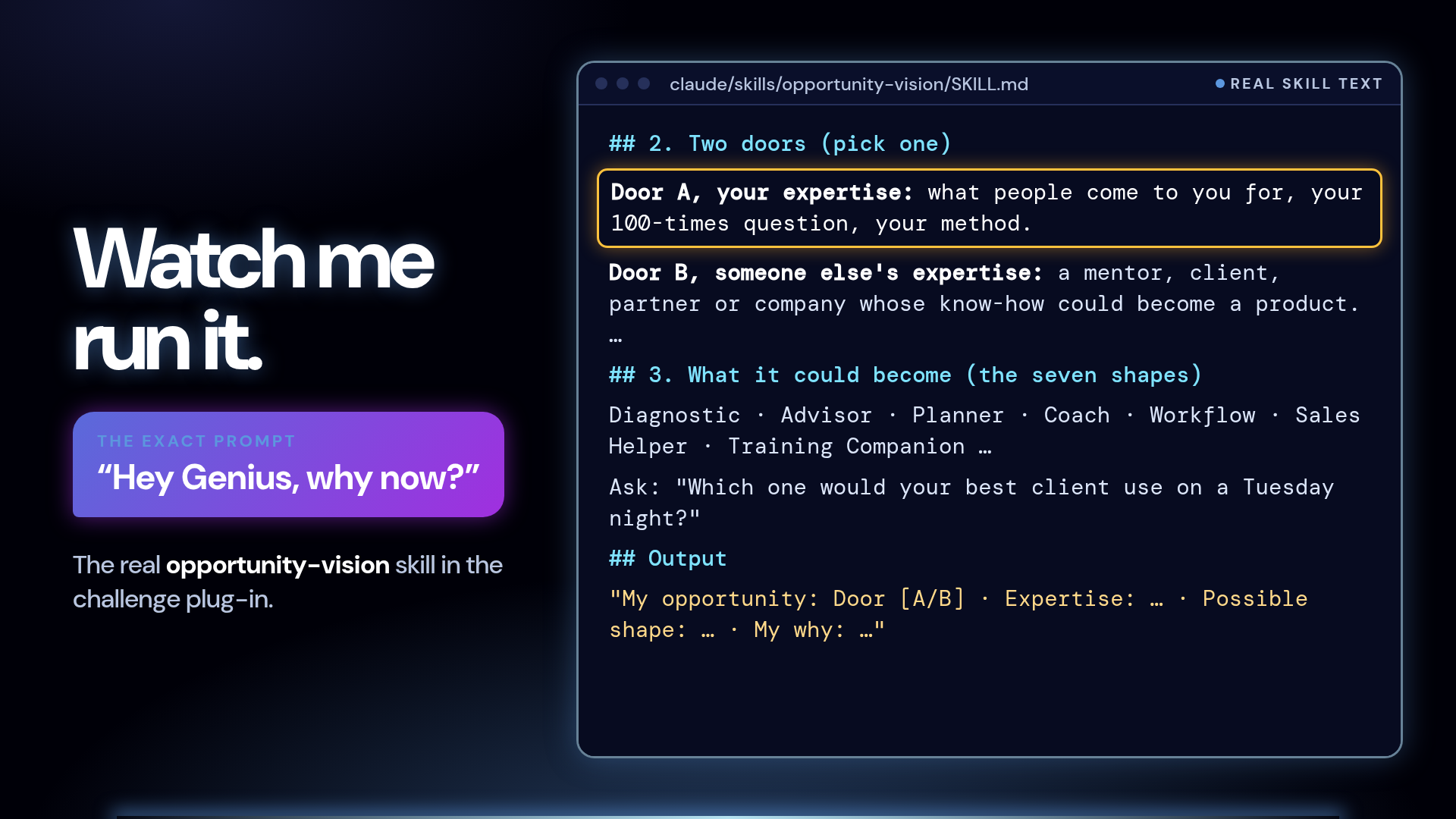 | 5 · Watch me run it. And I'm not winging this. This is the real skill inside the challenge plug-in, it's called opportunity-vision. You say “Hey Genius, why now?” and it walks you through exactly this. Door A, your own expertise: what people come to you for, your 100-times question. Or Door B, someone else's. Then it asks my favourite question: which one would your best client use on a Tuesday night? |
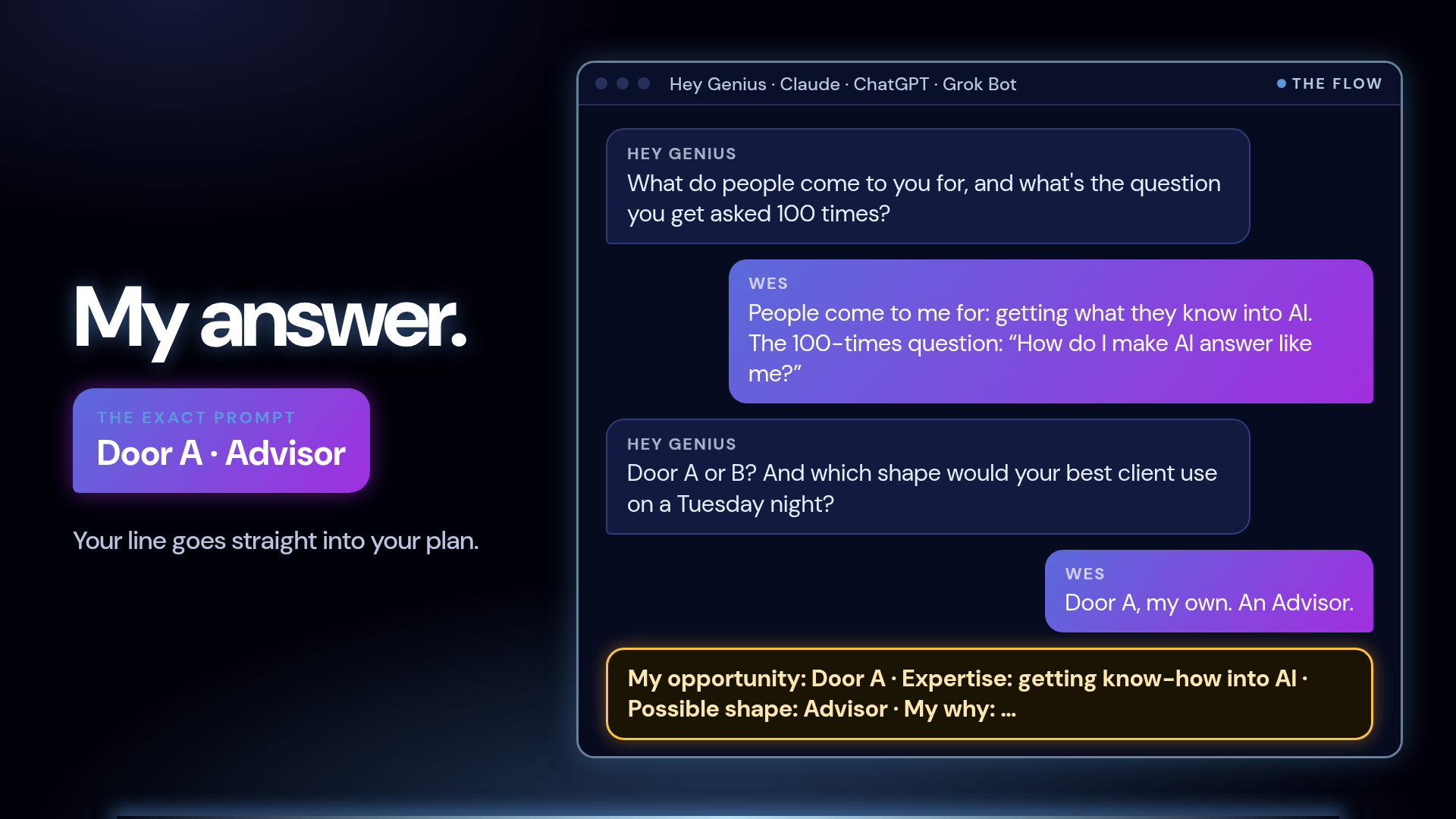 | 6 · My answer. So here's me doing it for myself. People come to me for getting what they know into AI. The question I get asked a hundred times: “How do I make AI answer like me?” Door A, my own expertise. Shape: an Advisor. And Genius writes my opportunity line, ready for my plan. Sixty seconds. Done. |
 | 7 · Your turn: post your line. Now it's your turn. Before we go live today, jump into the group and post your line: “People come to me for…”. Add the question you get asked a hundred times if you're feeling brave. We'll read some of them out live today. See you there! |
Today's the day! 🚀 The challenge goes LIVE.

🕛 Today, Wed 28 Oct · 12:00 PT (check your local time)
📅 Day 1 FIND IT · Day 2 BUILD IT · Day 3 LAUNCH IT
💻 Zoom link: Guide 1 in the group (“LOGISTICS - Welcome! Start here!”)
🧠 Install the plug-in before we start (Claude, ChatGPT or Grok Bot). Link in the pinned post [TBC]
✍️ Bring one idea, a pen and your laptop

Homework goes in the group 1 hour before the next live = your ticket to the prize wheel 🎡

Which one are you using today: Claude, ChatGPT or Grok? 👇
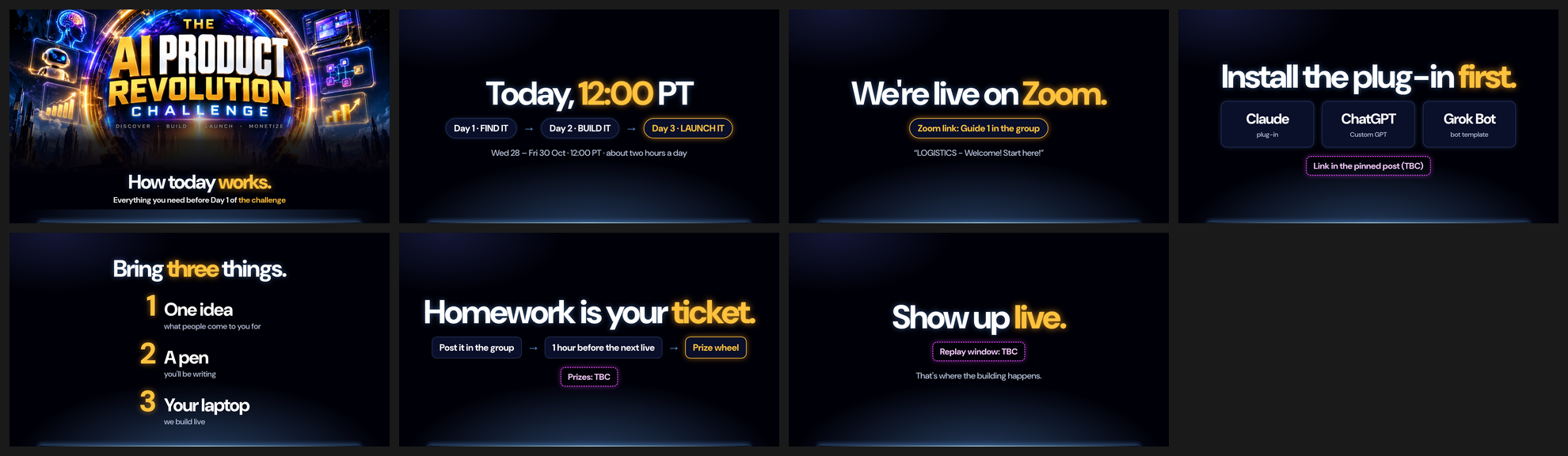
 | 1 · How today works. Hey, Wes here! Quick one. This is everything you need so today runs smoothly. Super practical. Let's go. |
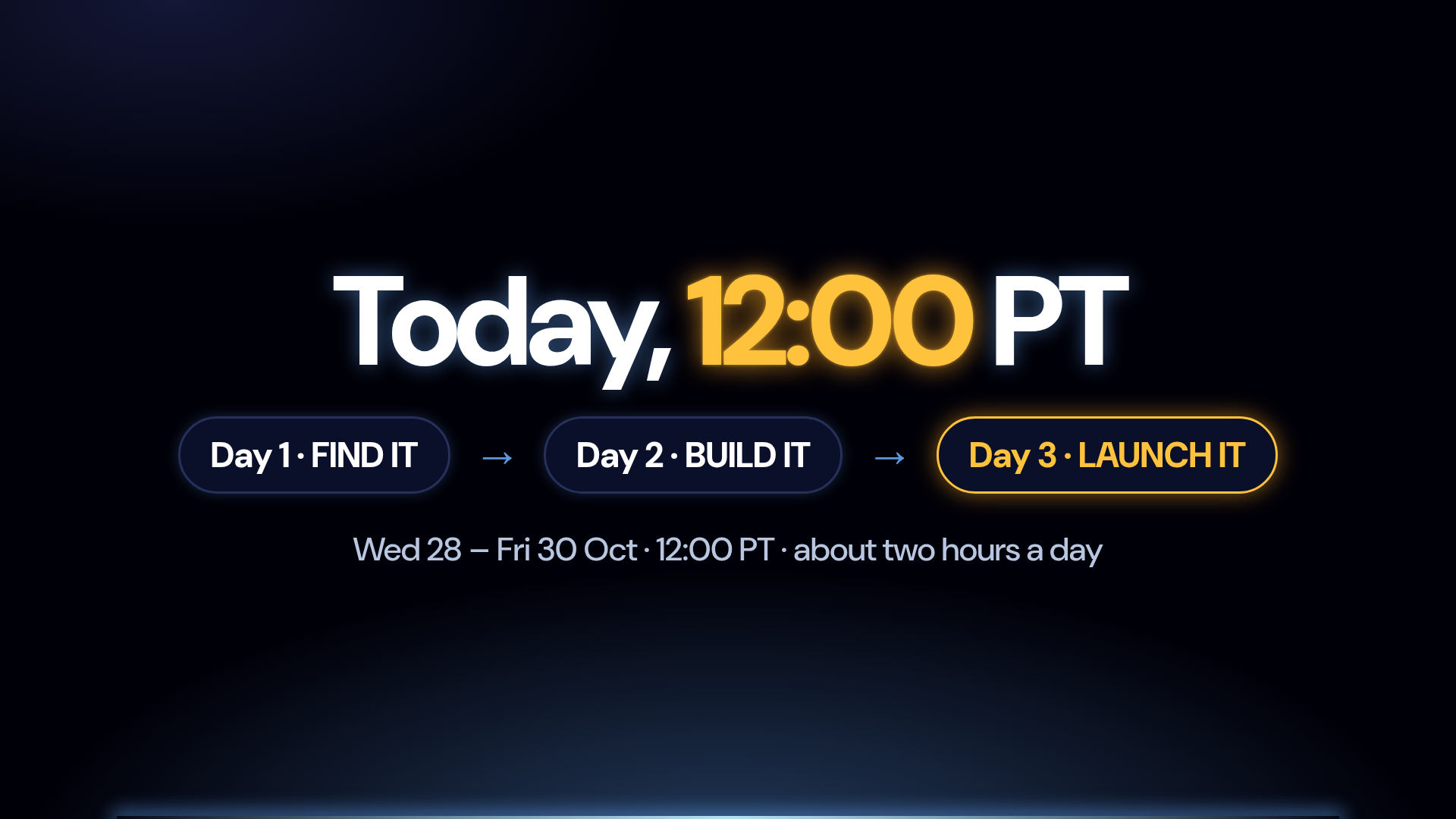 | 2 · Today, 12:00 PT We go live today, Wednesday the 28th, at 12 noon Pacific. Wherever you are, check your local time and put it in your calendar right now. Three days, about two hours each: Day 1, Find it. Day 2, Build it. Day 3, Launch it. |
 | 3 · We're live on Zoom. We're on Zoom. The link is in Guide 1 in the group: “LOGISTICS - Welcome! Start here!”. Grab it now, not at 11:59. |
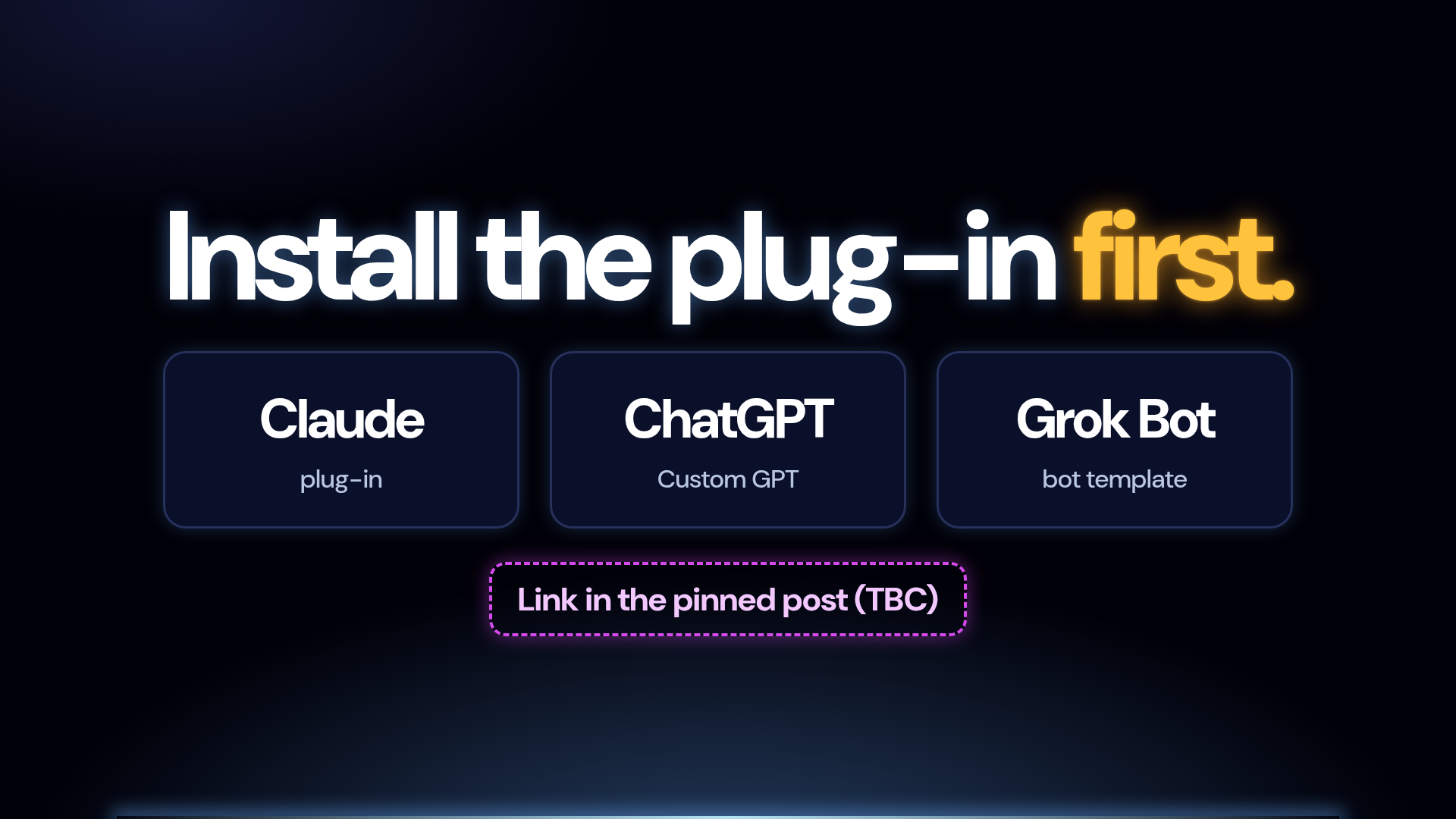 | 4 · Install the plug-in first. Before we go live, install the challenge plug-in. It's your coach for all three days. There's a pack for Claude, one for ChatGPT, and one for Grok Bot. Pick the one you already use. |
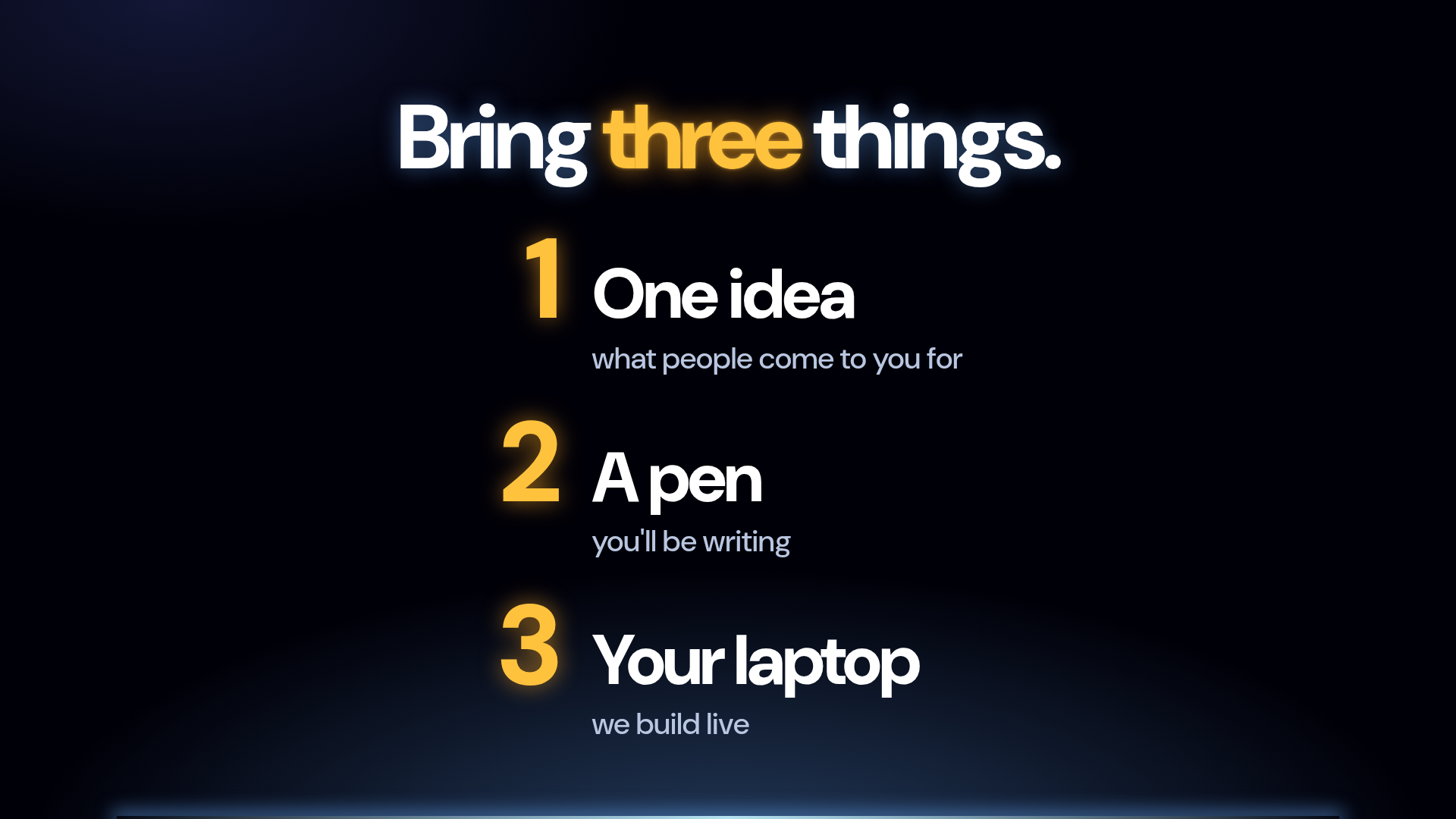 | 5 · Bring three things. Bring three things. One idea, even a rough one: what do people come to you for? A pen, because you'll be writing. And your laptop, because we build live. Not your phone. Your laptop. |
 | 6 · Homework is your ticket. Every night there's homework, and homework is your ticket. Post it in the group before the next live, and you go into the prize wheel. You'll want to be in that wheel. |
 | 7 · Show up live. Last thing: show up live. The magic happens in the room, building alongside everyone else. So block the time, grab a coffee, and I'll see you today at 12 noon Pacific! |

I'm not going to tell you what's possible. I'm going to SHOW you. 👀

Real screens from things I've built with AI:
🧠 my Rainmaker course, with its own brain
✅ outreach + community replies where AI drafts and I approve
🌱 Sage, which learns what you know
🕸️ Brain Builder + Atlas: expertise turned into a knowledge graph
📋 an ISO 9001:2026 gap assessment app, built in Base44
🤖 …and JARVIS, just for fun

Today the challenge starts (12:00 PT), and it's your turn.

If you could build ONE thing this week, what would it be? 👇
 | 1 · People like you are already building. Hey, it's Wes! I'm not going to tell you what's possible. I'm going to show you. Real screens, real things I've built with AI. No hype, no revenue slides. Just what it actually looks like. |
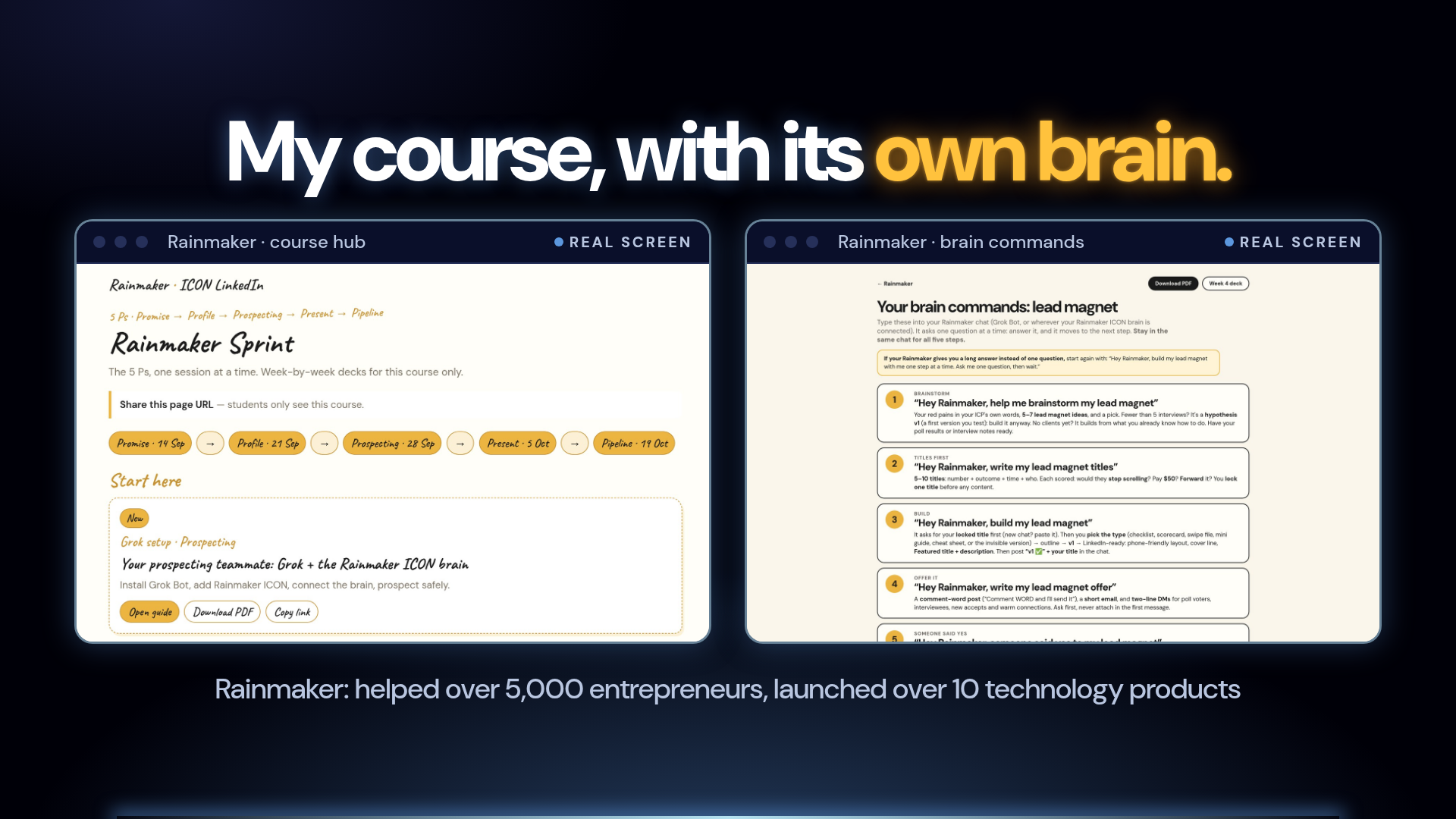 | 2 · My course, with its own brain. This is Rainmaker, my course. Rainmaker has helped over 5,000 entrepreneurs, and I've launched over 10 technology products. The course runs on its own hub, and it has its own brain. Students type “Hey Rainmaker, help me brainstorm my lead magnet”, and it coaches them the way I would. |
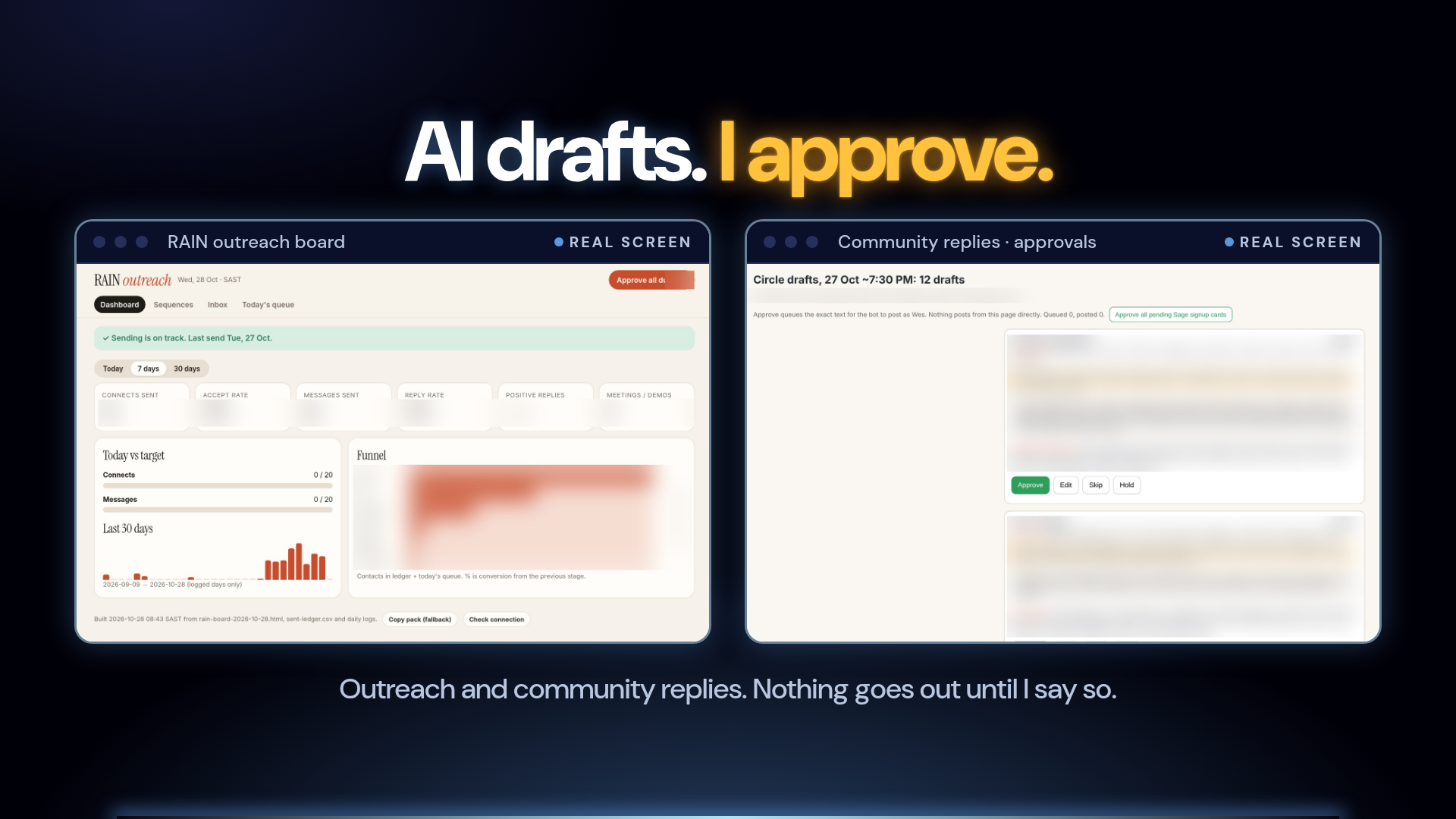 | 3 · AI drafts. I approve. Here's my favourite rule: AI drafts, I approve. This is my outreach board. The messages queue up every day, and I approve them. And this is my community inbox: replies drafted for me, and nothing goes out until I hit approve. My judgement stays in charge. |
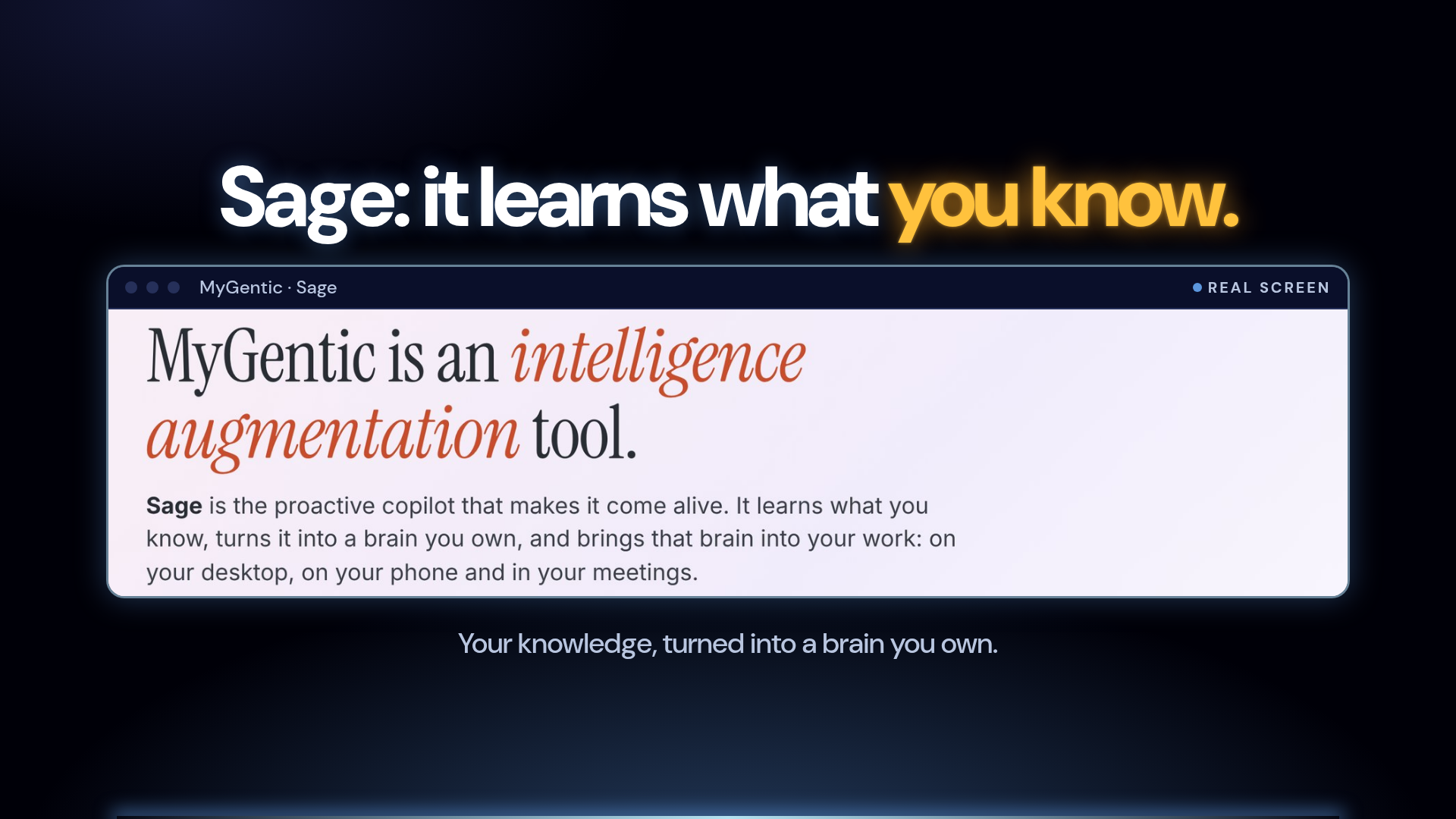 | 4 · Sage: it learns what you know. This is Sage. A copilot that learns what you know and turns it into a brain you own. It's the same idea you'll be working on this week: your knowledge, working for you. |
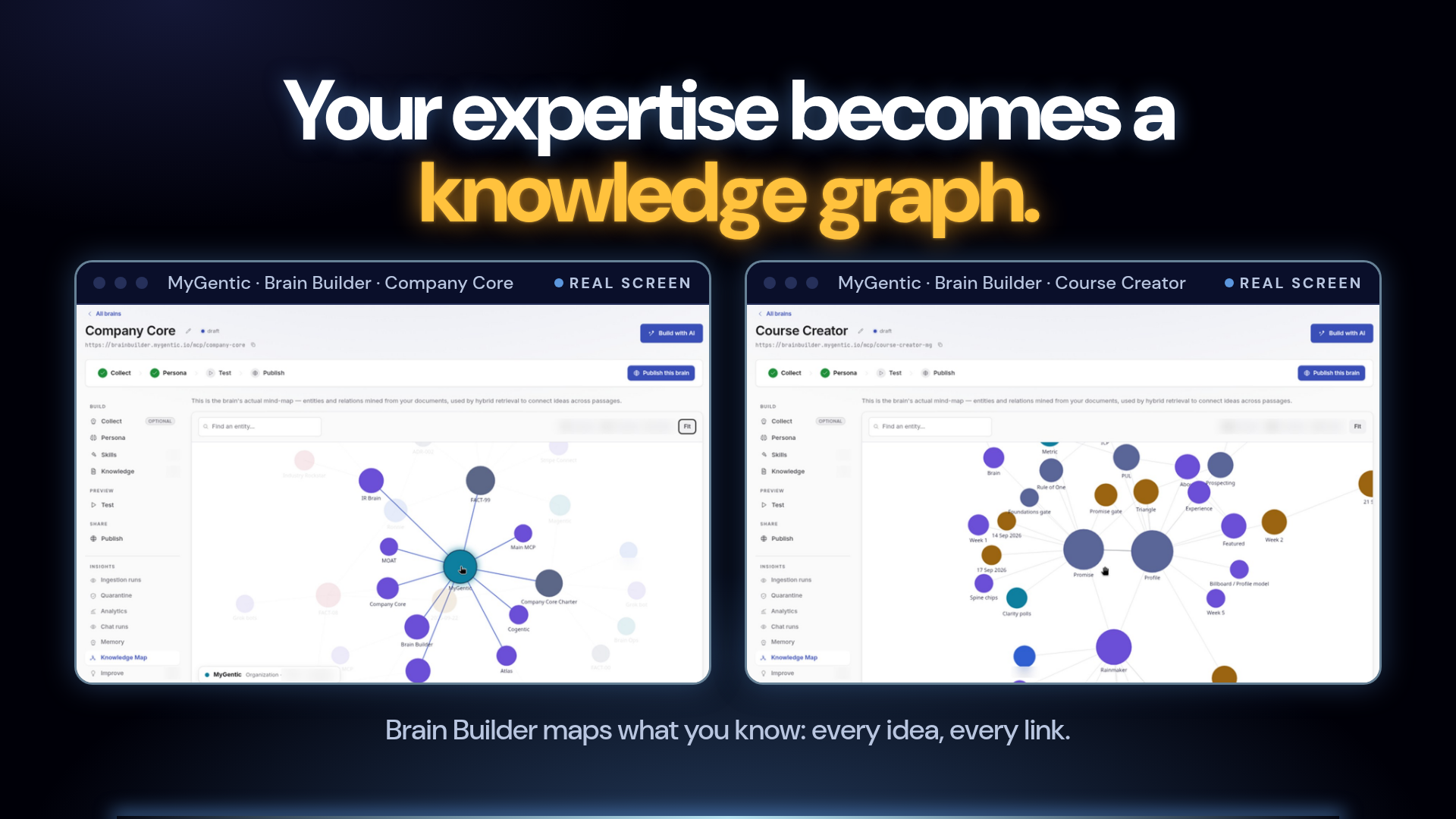 | 5 · Your expertise becomes a knowledge graph. Here's what that looks like under the hood. This is Brain Builder, inside MyGentic. You give it what you know, your documents, your method, and it maps it into a knowledge graph. Every idea, and how it connects. This one is my company brain, this one is my course creator brain. That's your expertise, made visible. |
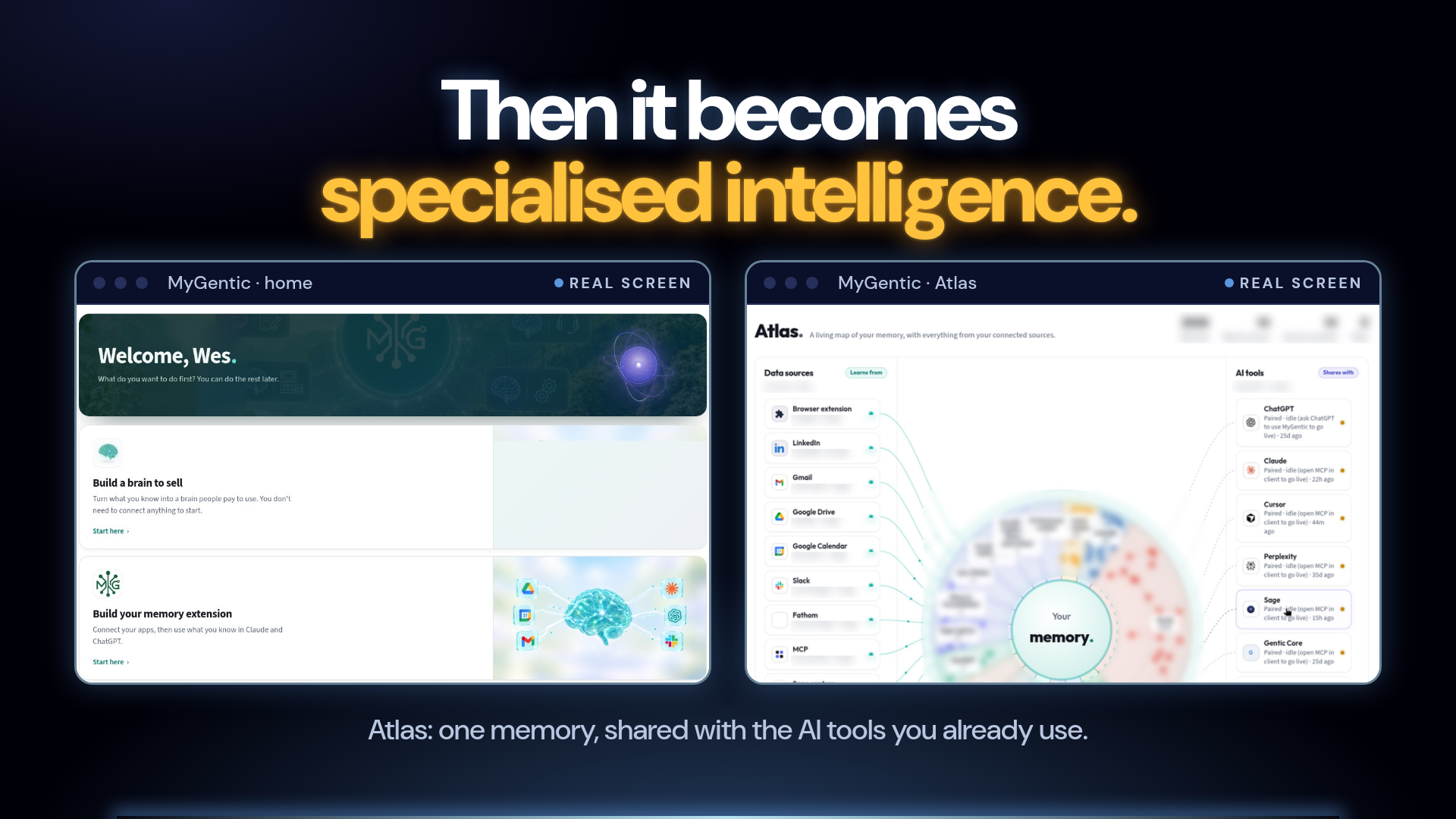 | 6 · Then it becomes specialised intelligence. And then it stops being notes and becomes specialised intelligence. A brain that answers like you, that you can use yourself or sell. This is Atlas, a living map of my memory, and it plugs straight into the tools I already use: ChatGPT, Claude, Sage. That's the shift: your expertise, working as an AI product. |
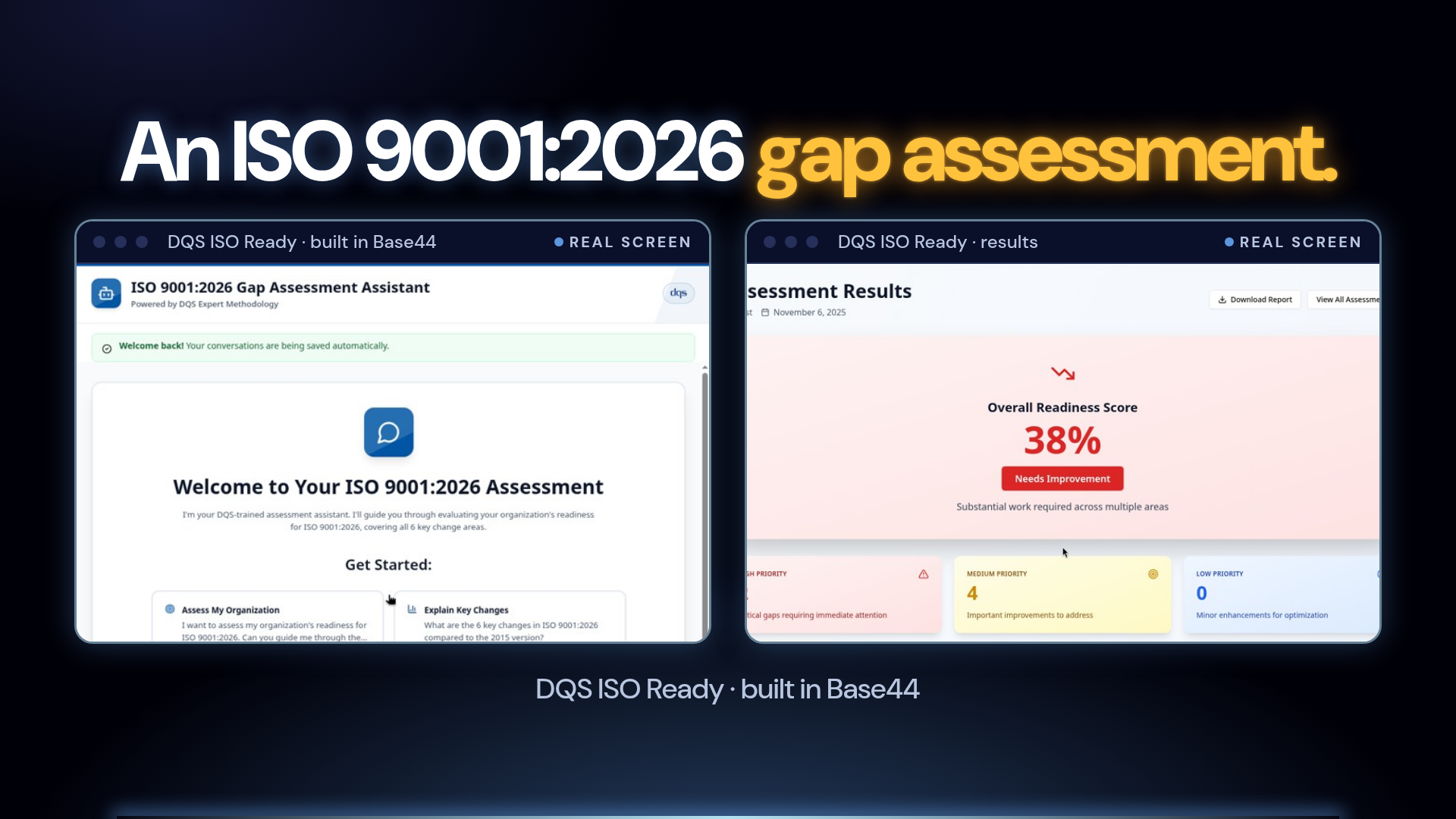 | 7 · An ISO 9001:2026 gap assessment. And this one's a proper app. DQS ISO Ready: an ISO 9001:2026 gap assessment, built in Base44. You chat with an assistant that follows the DQS method, and you get a readiness score and a prioritised list of gaps. That's expertise, packaged as a product. |
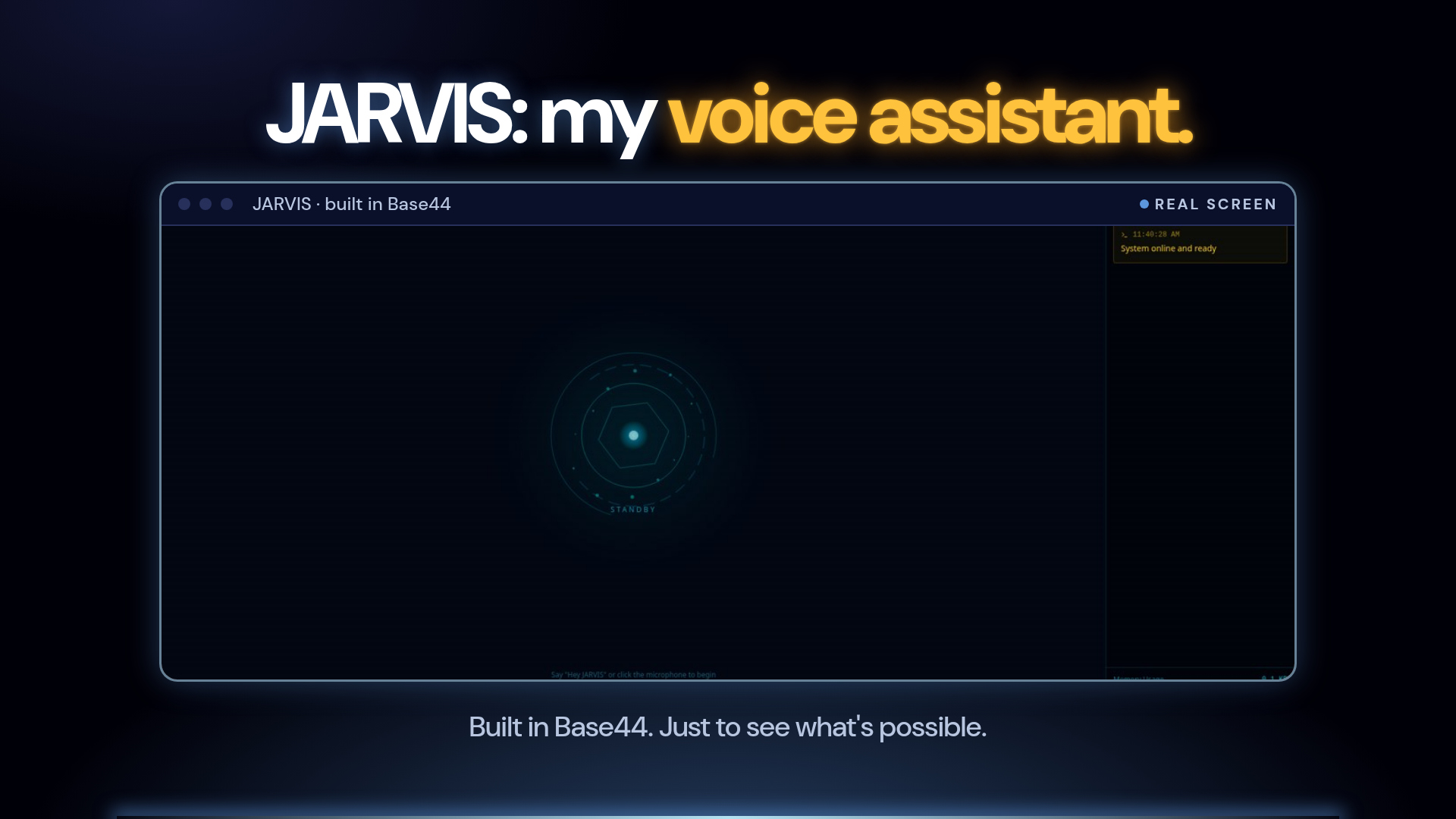 | 8 · JARVIS: my voice assistant. And just for fun: JARVIS. A voice assistant I built in Base44. Say “Hey JARVIS”, and off it goes. Sometimes you build things just to see what's possible. That's half the fun. |
 | 9 · And our members are building too. And it's not just me. Our members are building too, and I'll share their stories when they're ready to share them. Next could be you. Today we start with Day 1: Find it. See you there! |
The slides show no invented metrics, revenue, member names or private numbers. RAIN board numbers and community names are blurred. The DQS screens are cropped to the app content (no admin tools).
Also: pre-challenge videos ai-product-challenge-videos.pages.dev · live session decks ai-product-challenge-sessions.pages.dev